Before requesting a Bangkok ride, settle three things: the fare basis, the exact place where you will meet, and the payment method. A taxi-shaped vehicle does not tell you how the journey is charged. GrabTaxi uses the meter; a taxi assigned through JustGrab follows that service's upfront fare. Then check the extras, especially tolls, and match the arriving car to the booking.
This guide covers city journeys and uses Grab's Thailand services as worked examples. It does not compare operators' safety records. Airport queues, terminal meeting points and airport-specific charges belong in the separate airport guides.
Policy information checked on 7 October 2026, Bangkok time. Check the selected service's current details before confirming; the two Help Centre policies cited below were available as indexed operator-page text, while direct web access returned a loading error.
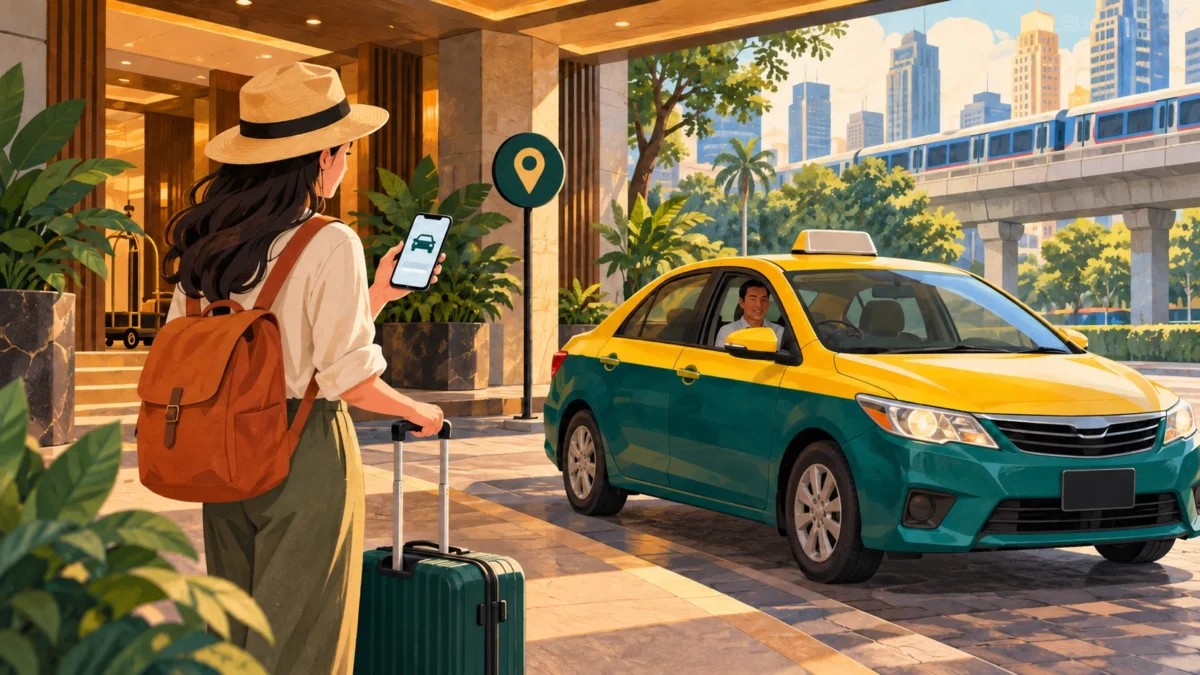
First identify what you are buying
The GrabTaxi product page describes a metered taxi dispatched through the app. Its booking fee pays for the dispatch; it is separate from the journey's meter amount. Do not turn a displayed estimate into a promised final total.
With JustGrab, the app can allocate either a private car or a taxi. Its FAQ explicitly says that an assigned taxi does not change the ride to metered pricing. You choose the fare model when choosing the service, before learning which vehicle arrives.
Fare decision diagram
| Your booking choice | Journey charge follows | What to check separately |
|---|---|---|
| Taxi arranged directly | Confirm meter use before boarding | Payment and any agreed extra charges |
| GrabTaxi | Actual taxi meter | App booking fee and applicable extras |
| JustGrab, including an assigned taxi | Upfront fare for the booked journey | Tolls, applicable surcharges and changes to the booking |
Read the rows from left to right: booking choice, fare basis, extras. This is an original decision aid, not an app screenshot or a fare quote. For another operator, find its equivalent service description rather than carrying Grab's conditions across.
For a directly arranged taxi, show the destination and ask, “Will you use the meter?” Resolve that before loading luggage. If the arrangement is unclear or unsuitable, choose another ride before setting off.
Read the booking screen in this order
Do this while standing somewhere you can pause. A cheap-looking number is little help if the app has selected the wrong branch of a hotel or a pickup across the road.
| Screen item | Decision before you confirm |
|---|---|
| Pickup pin and address | Can the driver reach the exact entrance where you will wait? |
| Destination | Does the name, branch and address match your accommodation or venue's information? |
| Service name | Is this metered, upfront, scheduled or another product? |
| Passenger and luggage fit | Does the chosen vehicle option accommodate your group and bags? |
| Fare details | What is included, what is estimated, and what can be added? |
| Payment method | Is the selected method one you can actually use? |
| Pickup estimate and cancellation terms | Are you ready to meet the driver under these conditions? |
For luggage or a larger group, inspect the actual vehicle option. Do not assume a seat count also guarantees room for every suitcase. Grab's passenger guidelines ask riders to choose a suitable service and enter correct pickup and destination details. Describe unusually bulky items before the driver travels to you.
Understand the booking fee without adding it twice
The GrabTaxi page currently lists an instant-booking fee of 20 THB; its FAQ gives a demand-dependent range of 20–45 THB. Treat that as published guidance, with the charge shown for your request controlling your budget. Neither figure is the meter fare.
Open the fare detail and identify whether a displayed total already includes the booking fee. Add only items explicitly excluded. Likewise, do not attach a GrabTaxi booking fee to a JustGrab quote simply because the assigned vehicle is a taxi.
Illustrative arithmetic only: if a completed meter reading were 160 THB, a separately stated booking fee 20 THB and a toll 50 THB, the total would be 230 THB. These invented journey amounts demonstrate addition; they are not a Bangkok route estimate or a claim about any toll plaza.
Set a pickup a driver can recognise
Grab's Thailand transport FAQ says GPS supplies the initial pickup, which you can change. Check it against what you can see. A dot inside a shopping centre does not identify an entrance, level or accessible lane.
At a hotel, ask reception which entrance cars use. At a large building, read the entrance sign and check whether there is a designated pickup area. Select that named point when available. If you need to walk there, do it before requesting an immediate ride.
After matching, send one concise message with the entrance and a visible landmark. “I am at the ground-floor hotel vehicle entrance beside the reception sign” is more useful than “I am here.” Use that sentence only when it describes your actual position. A photo of the entrance can help if the messaging interface offers it.
If the pin and your position differ, explain the discrepancy through the booking. Do not keep moving between exits while the driver heads toward the original one. Agree on a reachable meeting point and use a proper crossing if changing sides of the road.
Save a pickup and destination card
Copy this structure into a phone note. Replace each instruction with information for this journey, using your accommodation or venue's own Thai wording. Keep the pickup and destination on separate lines so they cannot be mistaken for each other.
| Card field | What to save |
|---|---|
| Pickup / จุดรับ | Exact building, branch, entrance, level and visible sign |
| Pickup confirmation | Where the driver agreed to meet you |
| Destination / จุดส่ง | Official Thai place name copied from the venue or accommodation |
| Destination address | Its published Thai address, including district |
| Map reference | The matching place entry or map link supplied by the venue |
| Trip details | Number of passengers, bags and selected payment method |
For example, a destination entry copied from the Bangkok Art and Culture Centre's official contact page is:
Destination: หอศิลปวัฒนธรรมแห่งกรุงเทพมหานคร
Address: 939 ถ.พระราม 1 แขวงวังใหม่ เขตปทุมวัน กรุงเทพมหานคร 10330
That identifies BACC; it does not establish a permitted stopping place. Confirm the vehicle entrance separately. For your own hotel, use the property's exact name and branch instead of translating an English nickname. The Thai pickup and destination labels above follow Grab's usage; the sample name and address come from BACC, not an invented translation.
Match the car before boarding
Compare the registration, vehicle description and driver details with the active booking. A nearby taxi or a driver calling your name is not enough to resolve a mismatch. Ask through the app before entering a different vehicle.
Show or confirm the destination again once you meet. If the driver proposes a different fare arrangement, clarify it before departure. Do not cancel an app booking merely to make the same trip under an unexplained cash arrangement. If the booking cannot proceed as agreed, use the app's truthful cancellation reason and retain the relevant messages.
Keep your phone available until pickup is complete. When the trip ends, check the seat, footwell and luggage area before leaving.
Pay once, and account for tolls
Grab's transport FAQ lists cash, credit card, debit card and GrabPay. Select the option actually available for your booking. An advertised payment category does not guarantee that your particular card or wallet will work. For cash, prepare manageable denominations; for an in-app payment, check the selected method before also handing over fare money.
Grab's August 2026 Thailand booking guide says displayed fares exclude tolls. It describes either paying at the toll booth in cash or having the driver advance the toll and include it at the end. Agree which will happen. If you pay at the booth, retain the receipt and check that the same toll has not also been added to your final amount.
Ask about the proposed toll-road route before the relevant turn. A toll-road choice is not a promise of a particular arrival time. Adding a destination or changing the journey can also affect what you pay; confirm the revised booking rather than relying on the original number.
The Thailand transport terms allow additional charges for foreign payment methods. Check the payment detail rather than assuming every overseas card has the same surcharge. The terms also describe card pre-authorisation: a pending hold should be distinguished from a completed charge when reconciling your statement.
Cancellation: check both the clock and the service
The indexed Thailand passenger cancellation policy lists 30 THB for Standard (JustGrab) and Standard Taxi. Its charging conditions require both at least three minutes after driver acceptance and at least 500 metres travelled toward pickup. It states a waiver when the driver reaches pickup at least six minutes later than the estimated arrival. Saver products have different thresholds.
For cash bookings, that policy says a cancellation charge can be collected on the next ride; cashless charges are collected after cancellation. Read any warning before confirming, and save the explanation if you dispute it. Do not assume a cancelled cash ride leaves no balance.
No-show and waiting conditions are separate from your own cancellation. Be ready at the agreed pickup and read the selected product's current notice. If the driver asks you to cancel, retain that message and choose an accurate reason. The general transport terms provide a Help Centre route for disputed cancellation fees; a refund is not guaranteed.
Scheduling is a different transaction
For Advance Booking, the indexed Thailand scheduling FAQ lists Bangkok scheduling fees of 100–200 THB, included in the displayed fare. Do not substitute the GrabTaxi product page's separately advertised advance-booking figure for the Schedule flow you are using.
The FAQ says cancellation within one hour of pickup after a driver is assigned can cost the full fare. For ordinary Advance Booking, it also describes a full-fare no-show charge after 15 minutes. GrabExecutive has different timing. The advance-booking terms confirm distinct cancellation conditions and possible extra charges. Read these before choosing a scheduled ride, especially if your departure time is uncertain.
Keep a useful record if something goes wrong
Save the booking reference, selected service, original fare detail, final receipt and relevant toll receipts. Note the actual pickup point and sequence of events. Capture essential chat evidence before the ride ends: Grab's transport FAQ says the chat history is deleted on completion.
Report a disputed charge against the relevant booking through Help Centre, stating the specific discrepancy. “The toll receipt was paid in cash and appears again in the final total” gives support something concrete to investigate. Keep the record private rather than posting the driver's identifying information publicly.
Grab lists Bangkok among its service areas, but a city listing does not establish a car at your pin at a particular time. If there is no suitable available ride, ask your accommodation to help arrange a taxi and confirm its meter and payment arrangement. Leave enough time to make that change before your appointment.